Finally... an event app for any and all events
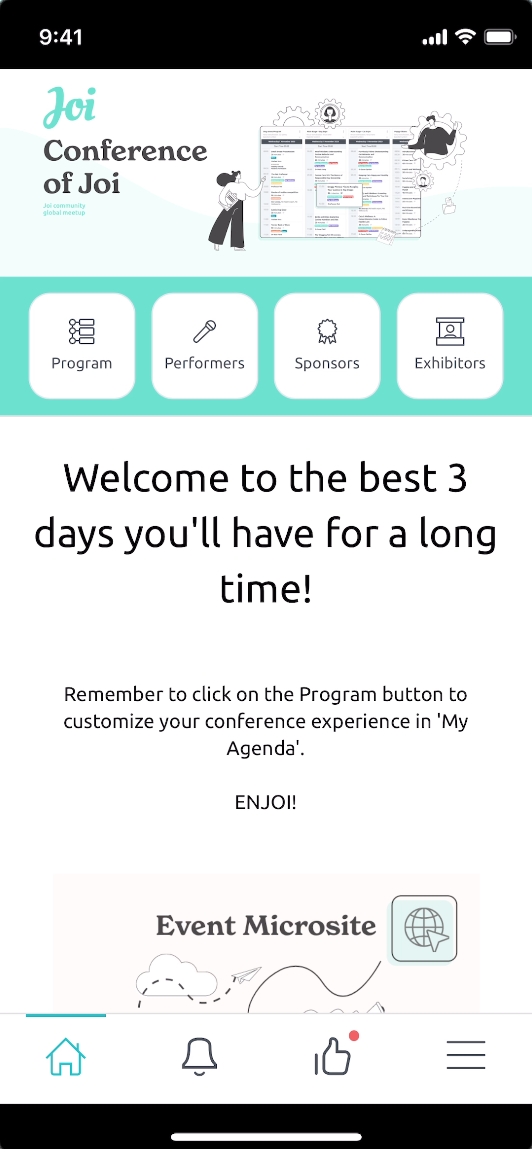
Before Joi, event apps were expensive, so you only considered them for big events. Not any more...
Rethink how you use event apps
-
Never print a program or agenda again
-
Even on small events it is easier to share the Joi event app than print out a program.
-
Getting Feedback or Evaluation forms
-
No more printing and transcribing paper evaluation forms or surveys. Use the Joi event app to instantly collect, reference and download collated feedback.
Message the attendees
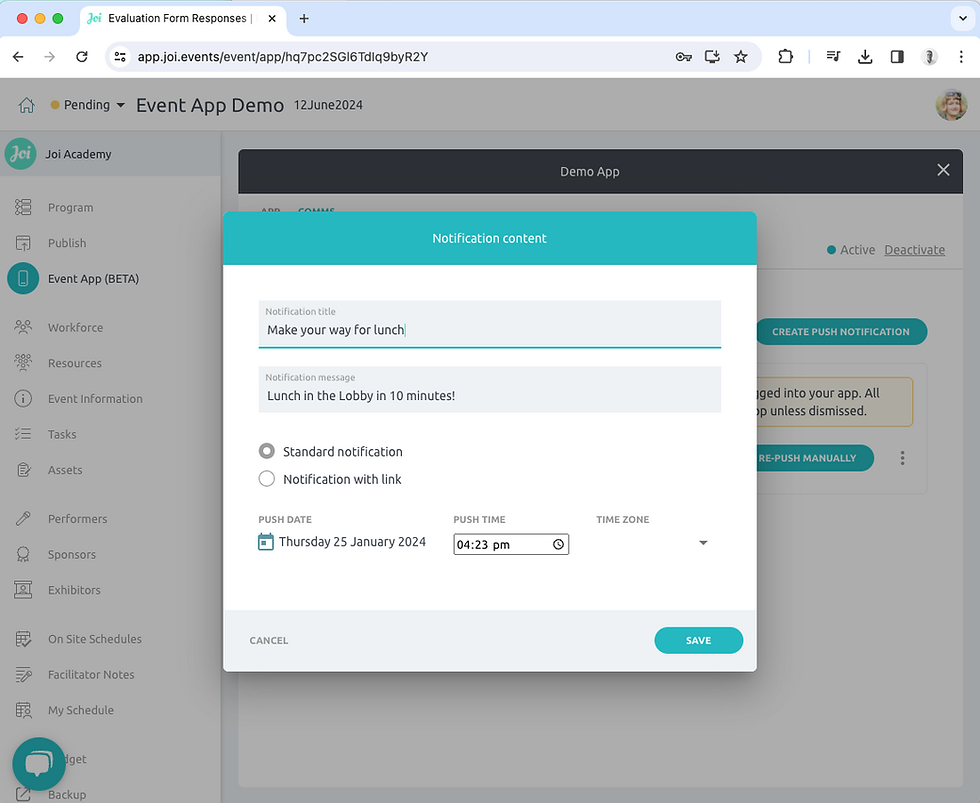
Such a simple thing that makes the life of the event manager so much easier. Through push notifications, you can welcome people, tell them when sessions are about to start - even tell them when the bus is arriving.
Self check in
On small events, attendance is often done in a spreadsheet (or a printed list on a clipboard). Use the Joi event app with access via name and email and you can get your attendees to self check in so you have a permanent digital record that you can export.
If nothing else get the program in their hands
One Program for All
Quicker and cheaper than a printed program, use the App to get the program into the hands of your attendees
A program for different groups
Because you can create multiple Event Apps for each event you can share a different view of the program for different groups
For an incentive you may create a separate App for Group A and Group B
For a conference you may create a separate App for the VIP program or Member category specific program
And with that comes the ability to message and get feedback for those specific groups


Access Control
You can control how easy it is to access your event app
Access for All
If you want anyone and everyone to have easy access use the QR code or Event App name:
With the QR code your attendees can scan and go straight to the app
With the Event App name your attendees can install the App then enter the name and they are in
Limit Access
If you want your app to be private then simple set a password
Get Attendee details
If you want to know who exactly is in your App then set the login requirement as name and email. This means you will know who is in the App and who gave you feedback
Push notifications
Easy comms with your attendees
One of the best things about an App is the easy communication with all your attendees. As the organiser it gives you so much more control
Make them feel good…
Send welcome messages
Thank them for their participation
Celebrate with them
Evaluation forms
The easier it is, the more chance they will do it
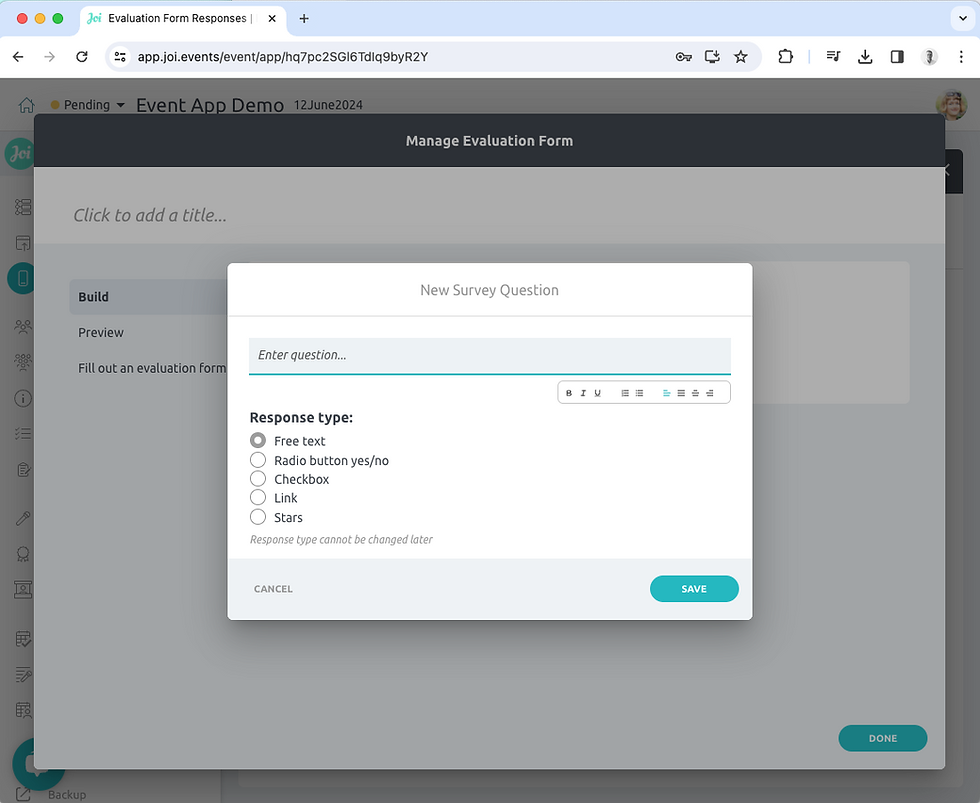
The Joi event app cannot make people complete an evaluation form, but it can increase the likelihood they will as it is so easy to do. Plus you will not be stuck with a big pile of paper you have to transcribe into a spreadsheet - The answers to questions are beautifully compiled and sit with the event forever
Feedback fun
You can create as many eval forms as you like, rate every session, get people’s ideas and opinion, anything you want. Make it fun and they will play
Tick the box
Some events, like OHS training, you need the formal evaluation. You can set access by name and email then have a permanent record of attendance and outcome through the evaluation form